Documentation MCP Examples
Once you have connected the Documentation MCP to your AI tool, you ask questions in plain language and your assistant answers from the GameAnalytics documentation. The examples below cover four common tasks and show the kind of answer each one produces.
If you have not connected a tool yet, start with Documentation MCP.
These screenshots come from one session in a single AI tool. Your assistant generates each answer as you ask it, so the wording, structure, and level of detail vary between tools and between runs. Treat the linked documentation pages as the authoritative reference.
Look up which event types are available
Checking what the platform supports saves you a trip to the documentation site when you are part-way through an implementation.
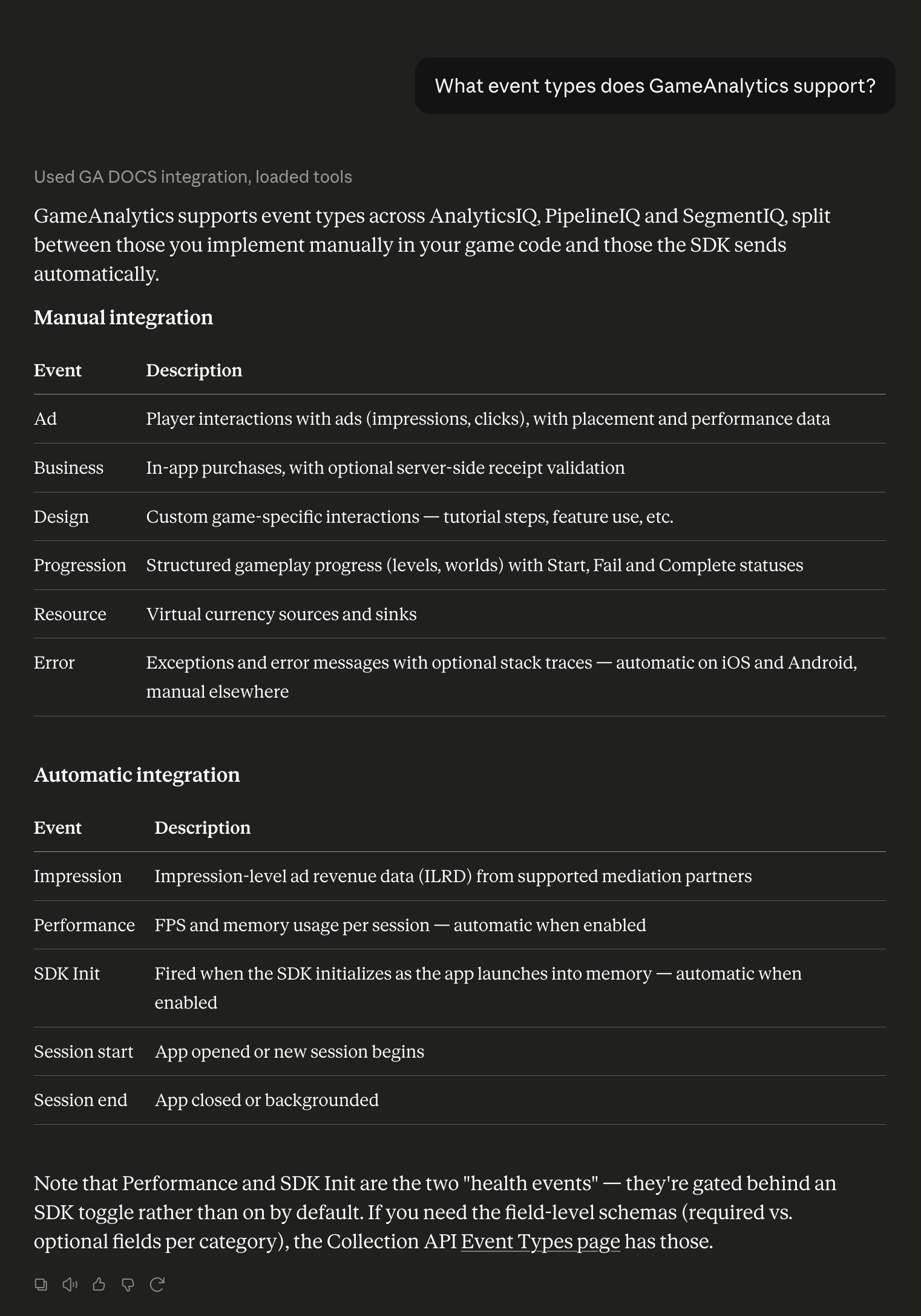
What event types does GameAnalytics support?
The assistant separates the events you implement yourself from the ones the SDK sends on its own. That is usually the distinction you need before you start instrumenting.
For the field-level reference, see Event types introduction.
Clarify a concept that spans several pages
Some questions do not map to a single documentation page. Ad revenue is one of them, because ad events and impression-level revenue data are documented in different sections.
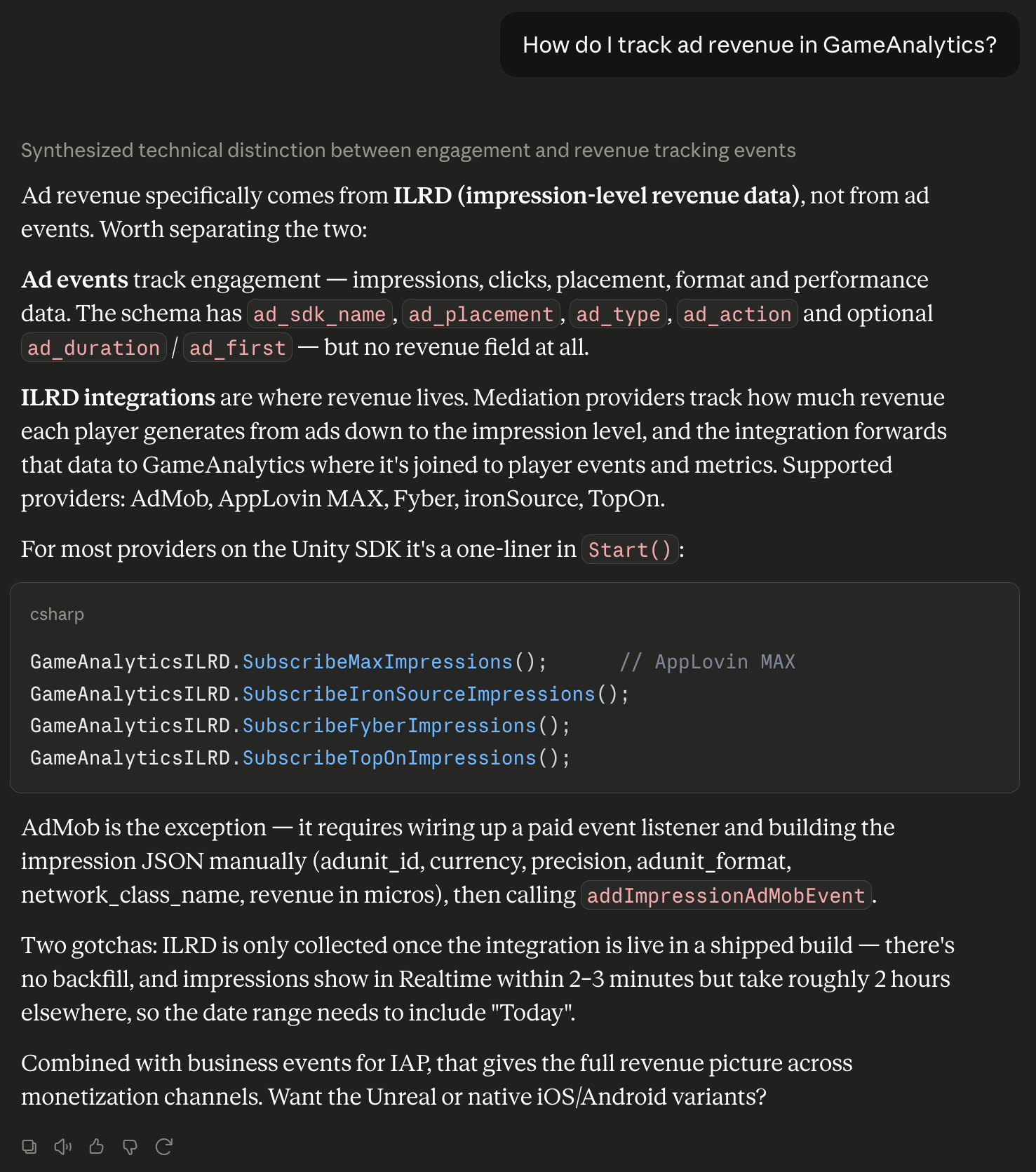
How do I track ad revenue in GameAnalytics?
The assistant draws the distinction between the two, then points at the integration that carries the revenue data and shows the relevant SDK calls.
The pages behind this answer are Ad events and How to send ILRD to GameAnalytics.
Compare platform and SDK coverage
Before you commit to an engine or add a platform, you can ask which SDKs cover what.
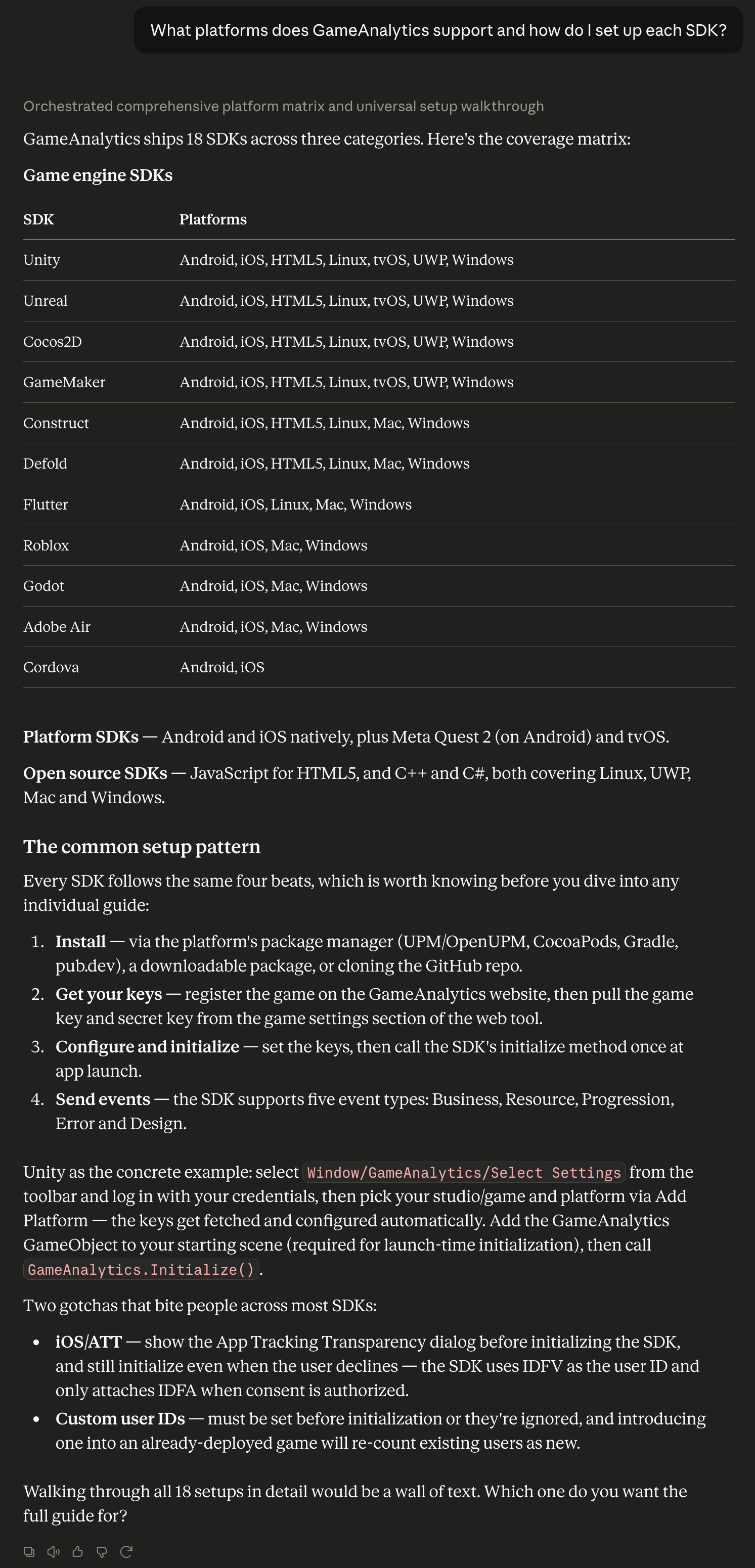
What platforms does GameAnalytics support and how do I set up each SDK?
The assistant assembles a coverage matrix from the individual SDK pages and describes the setup pattern they share, so you can see the shape of the work before opening any single guide.
For the authoritative list, see SDKs overview.
Walk through an SDK integration
This is the case where the Documentation MCP saves you the most time. Your assistant reads the setup guide and walks you through it without leaving your editor. An AI coding agent can go further and write the instrumentation for you.
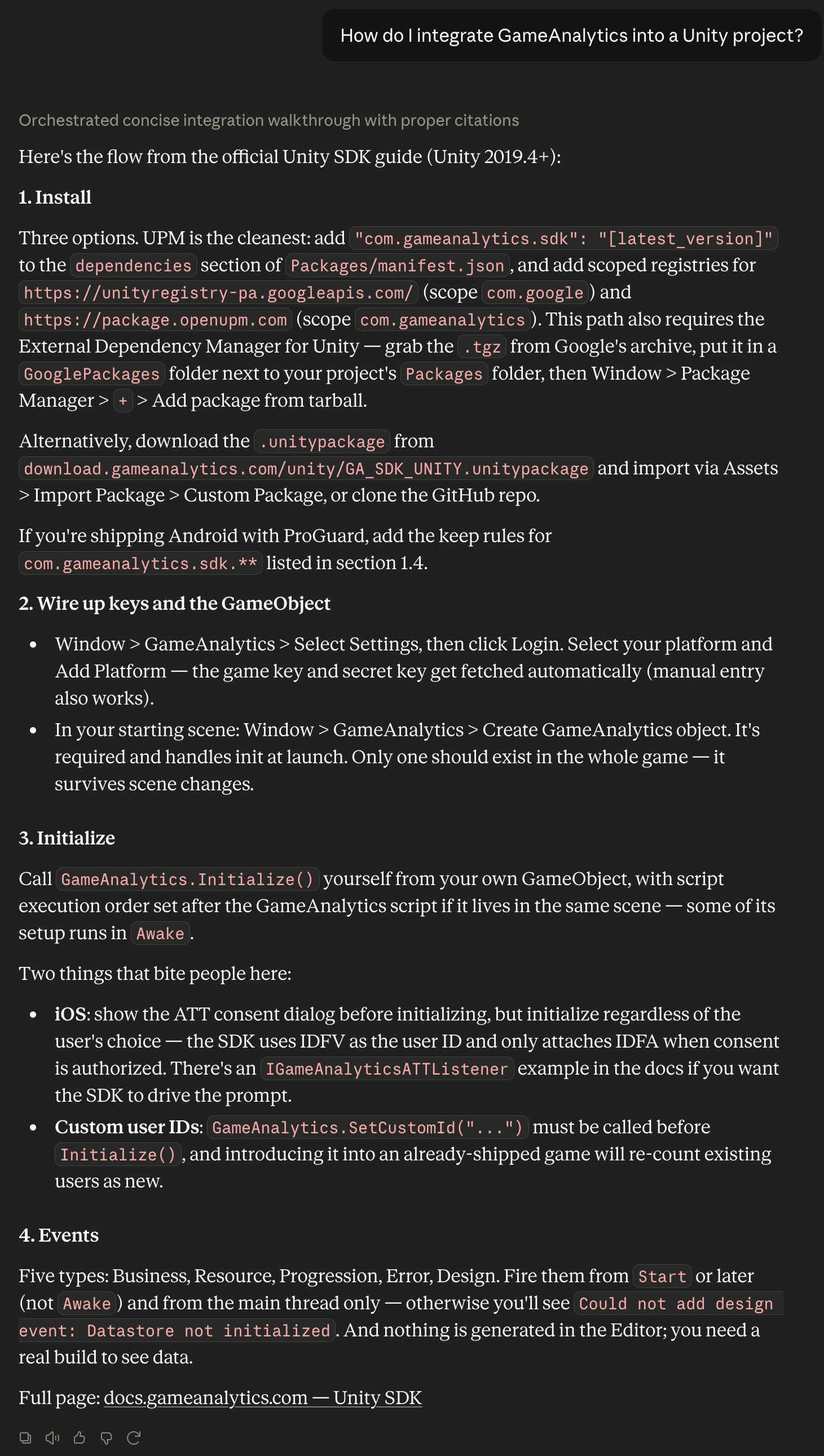
How do I integrate GameAnalytics into a Unity project?
The answer follows the official guide: install the SDK, wire up your keys, initialize, then send events. It also surfaces the mistakes that commonly break a first integration, such as sending events before the SDK has finished initializing, or setting a custom user identifier too late.
The page behind this answer is Unity SDK.